Rajasthan SSO is a unified digital identity system that allows residents, businesses, and government employees to access more than one hundred government services with a single login. It removes the need for multiple usernames and passwords and brings services like e-Mitra, employment portals, GST home page, university admissions, arms license applications, and business registrations under one platform. It is easy to register, simple to recover, and designed to save time for citizens across the state.
• New updates have improved portal navigation and reduced loading time across key service pages. Users report smoother access to employment and utility-related sections.
• The SSO mobile app has added fresh features for bill payments and application tracking. The new layout is more intuitive and stable.
• Government offices have increased the number of services linked to SSO so that more citizen applications move to digital mode. This is expected to improve efficiency in several departments.
• The training program for small business owners has been expanded. More workshops now teach entrepreneurs how to use SSO for Udyog and BRN-related services.
• A new recovery support module is under technical review. It is expected to simplify identity retrieval for users who have lost their login details.
Rajasthan Single Sign On is a state-backed digital identity system that allows users to access government services through one username and password. Once you create your SSO ID, you can log in to services like e-Mitra, GST portal, employment platform, university admission pages, and arms license applications without creating separate accounts.
The Rajasthan government launched SSO to reduce dependency on multiple portals and passwords. Instead of managing dozens of separate accounts, users can access everything from a single dashboard.
After successfully creating an SSO ID, you can:
• Track applications
• Submit forms
• Pay utility bills
• Apply for government schemes
• View updates from departments
• Access employment and education portals
This saves time and makes the entire system easier to use for citizens, employees, and business owners.
With one SSO ID, users can access one hundred or more government services. These include e-Mitra, GST portal, employment services, Bhamashah card facilities, Jan Aadhaar updates, business registrations, and building plan approval systems.
The platform serves as a single window for major state services. It is used by students, job seekers, businesses, government employees, and residents for everyday needs.
• Application for arms license
• GST-related services
• E Mitra portal
• Building plan approval system
• University admission portals
• Employment opportunities
• Attendance MIS
• Banking communication
• Bhamashah card services
• Jan Aadhaar
• Rajasthan e-pass option
• Business registration
• Change of land use services
The portal is available in English and Hindi, making it accessible to users across different backgrounds.
Any resident of Rajasthan, any business owner with a Business Registration Number, and any state government employee with a State Insurance and Provident Fund number can create an SSO ID.
The registration system is designed to support three main user groups:
This structure ensures all user categories can access the services relevant to them.
You need a mobile number, email address, Aadhaar card, and either a Jan Aadhaar number, Bhamashah details, or business registration numbers, depending on your category. These details help verify your identity during registration.
Before starting the registration, keep the following documents ready:
• Aadhaar card
• Jan Aadhaar card
• Bhamashah card (optional but useful)
• Mobile number
• Email address
• Udyog registration number
• Business registration number
• Address proof for small businesses
Having these ready ensures a smooth registration experience.
Citizens can register using their Jan Aadhaar details or a Google account. The Jan Aadhaar option is for permanent residents, while others can register through Google login.
Follow these steps for registration:
Once complete, you can log in and access available services immediately.
Business owners can register by selecting the Udyog option on the SSO portal. They must use their Sansthan Aadhaar or Business Registration Number to complete verification.
Small business owners often use SSO for licensing, tax updates, and e-Mitra services.
This ID will unlock business-specific services that simplify compliance and administration.
Government employees register using their State Insurance and Provident Fund numbers. This ensures that the system links their SSO account with official employee records.
The process is simple and ensures that employees can access department services quickly.
The ID enables government staff to access official portals with ease.
To log in, visit the portal, enter your SSO ID, password, and the displayed code. After successful login, you can choose from the available services on the dashboard.
The login dashboard is simple and structured for quick navigation. Users can switch between services without leaving the platform.
Click the Forgot Password option on the login page, enter your registered mobile number or email, and complete OTP verification. You can then create a new password.
The portal uses OTP verification to secure the password reset process. Only a registered mobile number can receive the OTP, which helps protect your account.
Users can merge multiple IDs by logging in, opening the Edit Profile section, selecting Deactivate Account, and validating OTP. You can then connect your accounts with an active government SSO ID.
Some users accidentally create multiple accounts, which can cause confusion. The merge feature fixes this without losing any data.
This process consolidates all identities into one official login.
Click the I Forgot My Digital Identity link on the home page, enter your registration details, and validate OTP. You can then recover the ID and reset your password.
If you forget your login details, the portal offers two safe methods:
• Online recovery
• SMS recovery
Send RJ SSO to 9223166166 from your registered mobile number.
This method works only if you logged in at least once after September seven, two thousand eighteen.
The portal supports employment services, tax platforms, educational applications, utility payments, government scheme registrations, and business approvals.
Rajasthan SSO acts as an integrated platform for major state services.
| Category | Major Services |
|---|---|
| Citizen Services | Jan Aadhaar, Bhamashah card, e Mitra |
| Business Services | GST portal, business registration, BPAS |
| Education | Online admissions, digital learning |
| Licenses | Arms license, land use approvals |
| Government Services | Attendance MIS, SIPF services |
The broad service list makes SSO one of the most useful digital platforms in the state.
Yes. The SSO Raj mobile app is available on the Google Play Store and offers the same services as the web portal. Users can log in using their SSO ID and access the dashboard on the go.
The app is designed for easy navigation and quick access to bill payments, employment services, and e-Mitra features. It supports all major functions of the desktop version.
Users can contact the helpdesk via email or phone. The support team helps with login issues, technical errors, and registration assistance.
• Email: helpdesk@rajasthan.gov.in
• Phone: 0141 5123717, 0141 5153222
Rajasthan SSO has transformed the digital experience for citizens, employees, and businesses by offering a single login for more than one hundred services. It makes government processes easier, faster, and more transparent. Whether you want to apply for jobs, update your Jan Aadhaar, register a business, submit applications through e-Mitra, or manage building approvals, SSO brings everything under one portal. This system helps residents stay connected with essential services without the stress of managing multiple accounts.
Disclaimer: The information provided in this article is for general guidance only. Users should verify details directly on the official Rajasthan SSO portal as rules, services, and processes may change over time.
 Frequently Asked Questions
 Disclaimer: The information presented in this article is compiled from publicly available sources and media reports and is provided solely for informational purposes. It should not be considered official financial, legal, or regulatory advice. Any images, addresses, or related details are shared in accordance with publicly available information and reporting practices, without any intention to infringe upon personal privacy.
Subscribe now and be the first to receive insights that matter.
















 Popular
 Shela, Ahmedabad








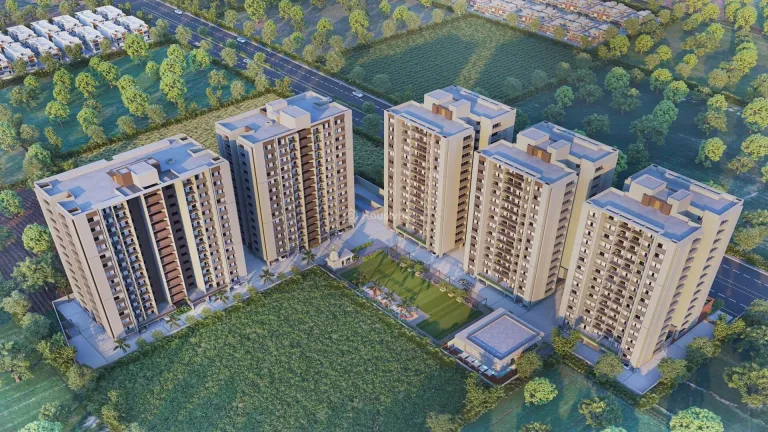


 FeaturedSouth Bopal, Ahmedabad



 Chandkheda, Ahmedabad





 Chandkheda, Ahmedabad

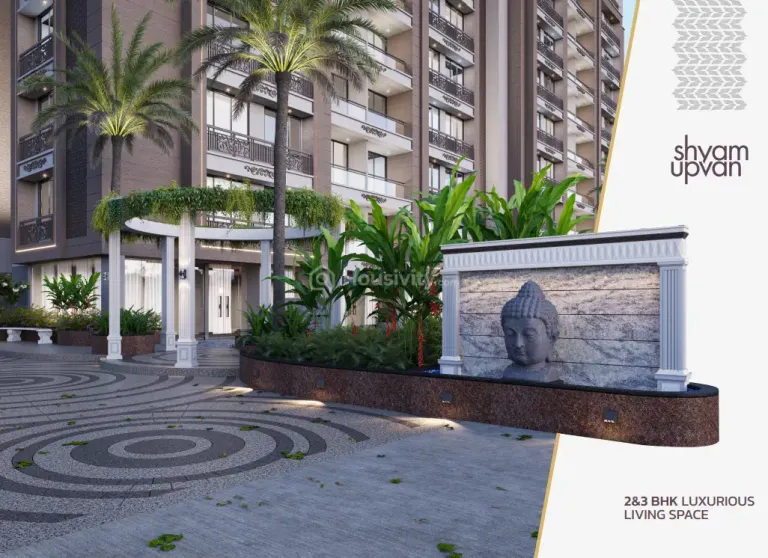


 Sample House Ready
 LimelightHanspura, Ahmedabad





 Shela, Ahmedabad






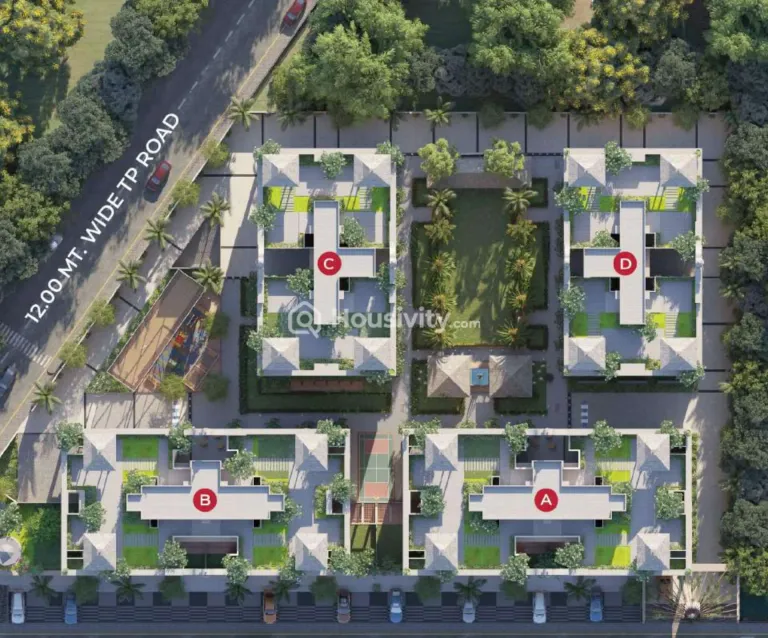 Sample House ReadyLimelightHathijan, Ahmedabad








 Iconiczundal, Ahmedabad
 House for Sale in Sargasan